
HOW A WEEKEND OF VIBE CODING TURNED A LEARNING FRUSTRATION INTO A PRODUCTION APP
I'm learning Arabic. Every week, our class of 17 meets to tackle new vocabulary, verb conjugations, and the beautiful complexity of a language written right-to-left with vowel marks most apps get wrong.
The problem? The tools available to us were frustrating. Quizlet cards with bad audio. Apps with robotic pronunciation. Vocabulary lists that don't match our class progression. Verb tables with no way to hide what we haven't learned yet.
I'm a designer and developer. I know what good UX feels like. And what I was using didn't feel good. So I decided to build something better — over a weekend.
THE APPROACH: VIBE CODING WITH CLAUDE
I didn't write this app the traditional way. I didn't sketch wireframes, write user stories, or set up a Jira board. Instead, I sat down with Claude (Anthropic's AI coding assistant) and described what I needed:
"I want a simple online tool to learn Arabic verbs and words. Other tools are bad. I want to control what my classmates see, aligned with our class progress. The admin adds a verb, Perplexity API generates the conjugations, Google Cloud TTS creates the audio. Flashcard mode. Mobile-first."
From that conversation, we went from zero to a deployed, production-ready app in roughly a weekend of focused work. Not a prototype. Not a demo. A real app with HTTPS, session auth, 685 audio files, and a security posture that scored A-grade in penetration testing.
WHAT WE BUILT
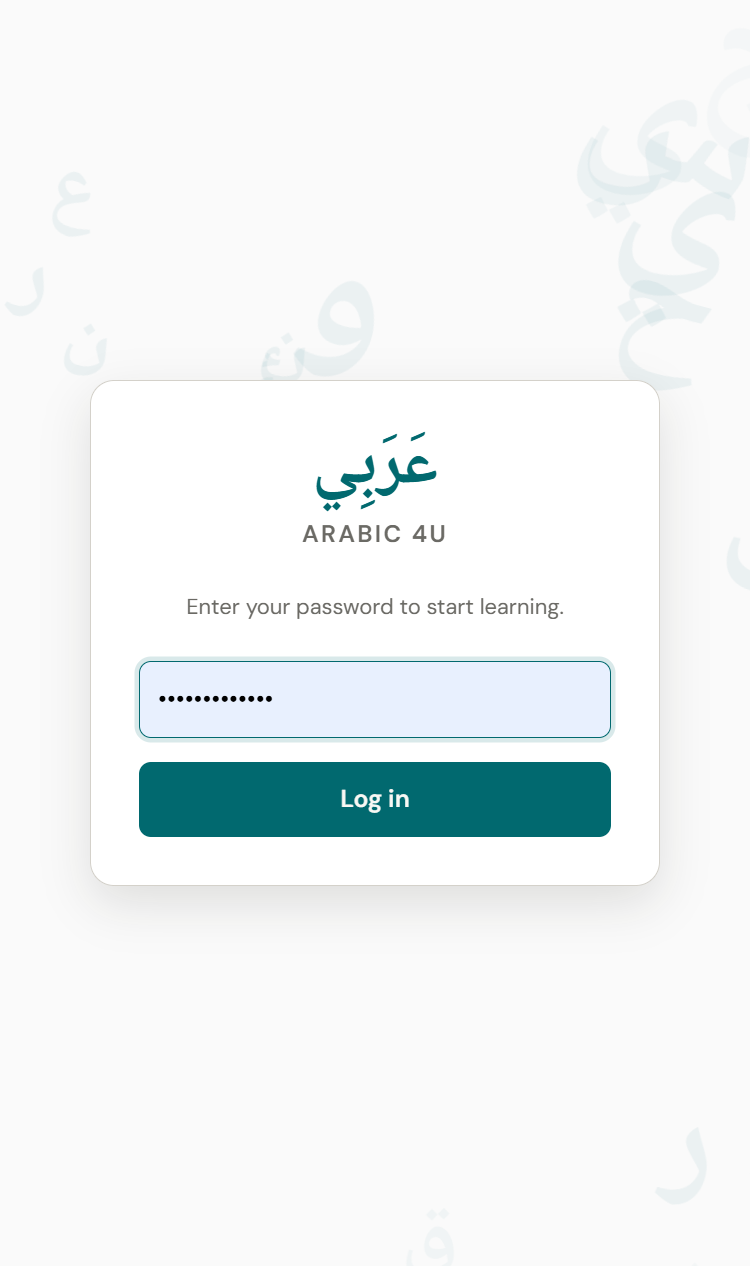
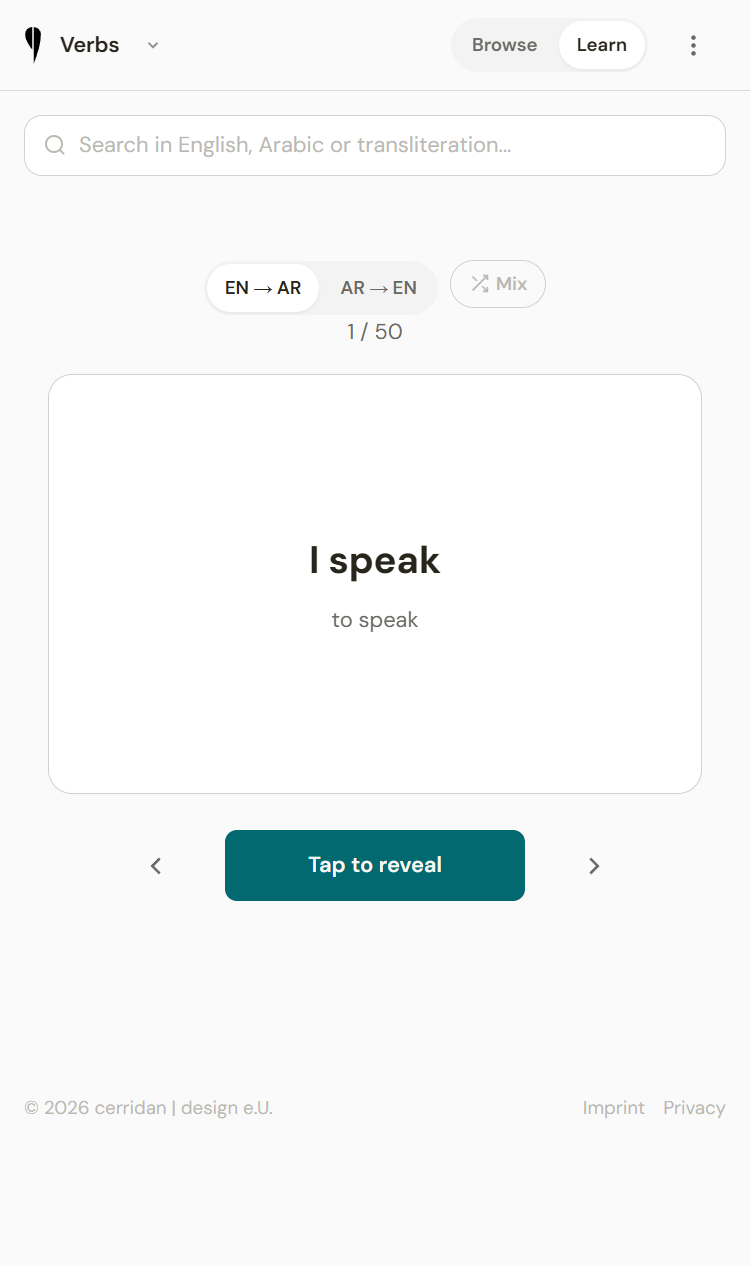
Arabic 4U is a mobile-first web app that serves our Arabic class.
For Learners
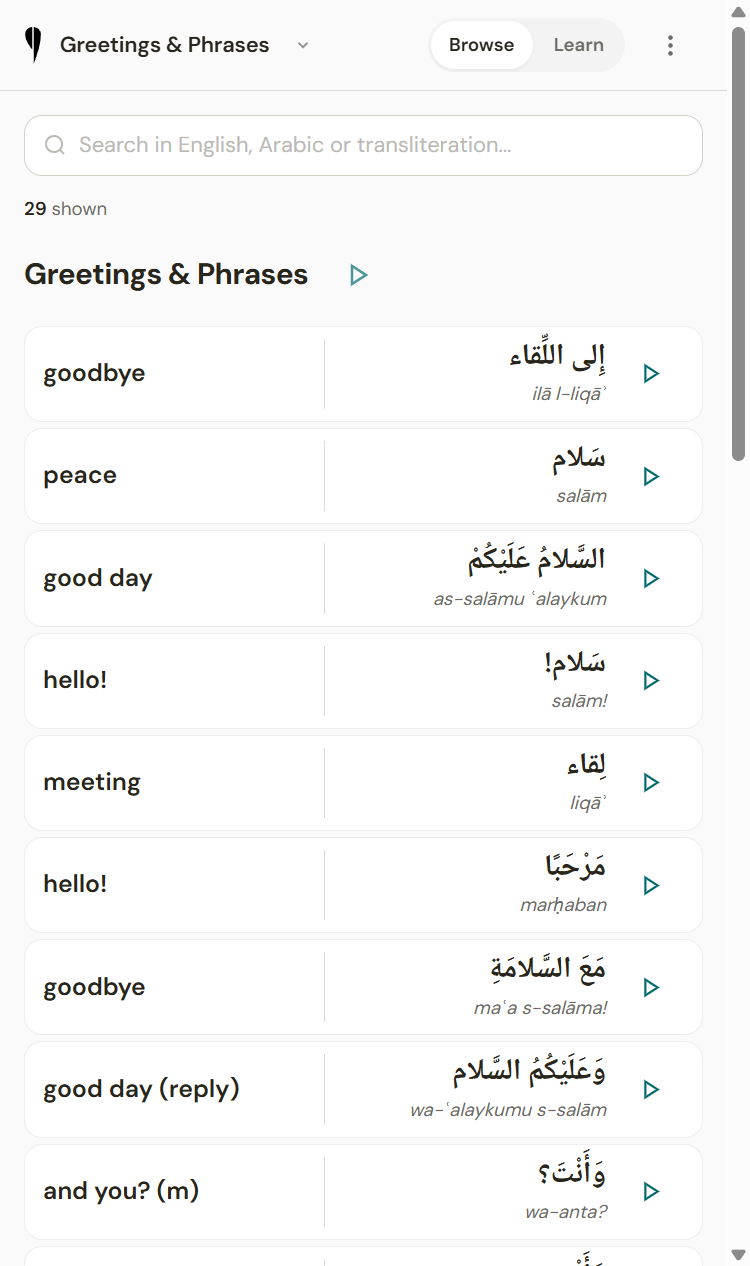
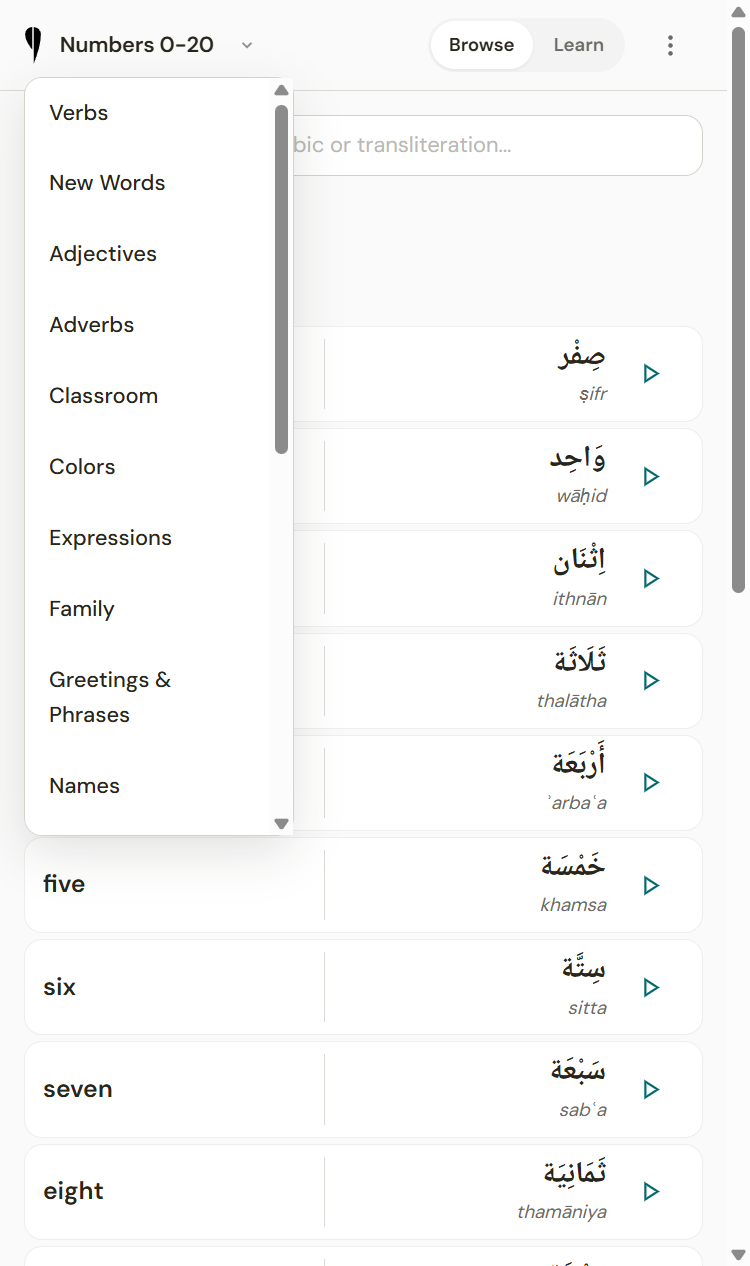
- 420+ vocabulary items across 18 categories — nouns, places, greetings, expressions, classroom commands, numbers, professions, and more
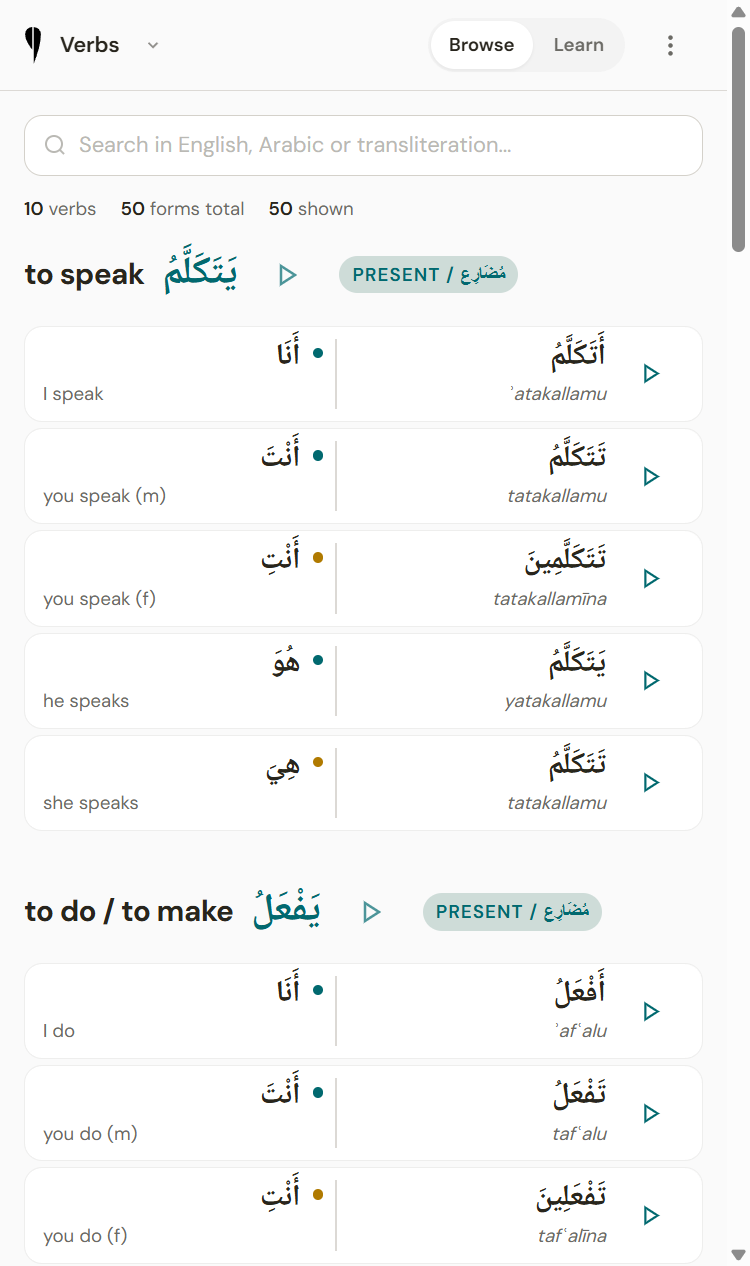
- 10 fully conjugated verbs — present and past tense, singular and plural, all persons — including passive voice
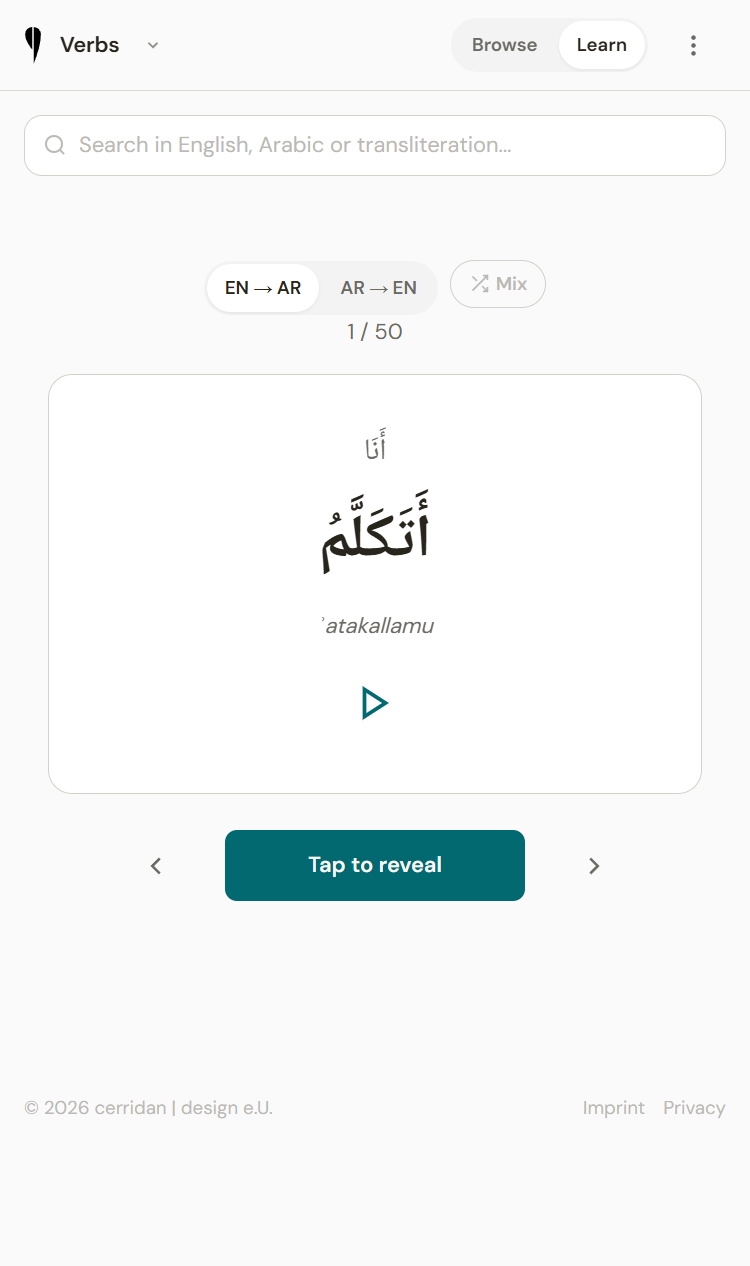
- 685 audio files — every word and conjugation has high-quality Arabic pronunciation via Google Cloud WaveNet
- Flashcard mode with three directions: English to Arabic, Arabic to English, and a random Mix mode
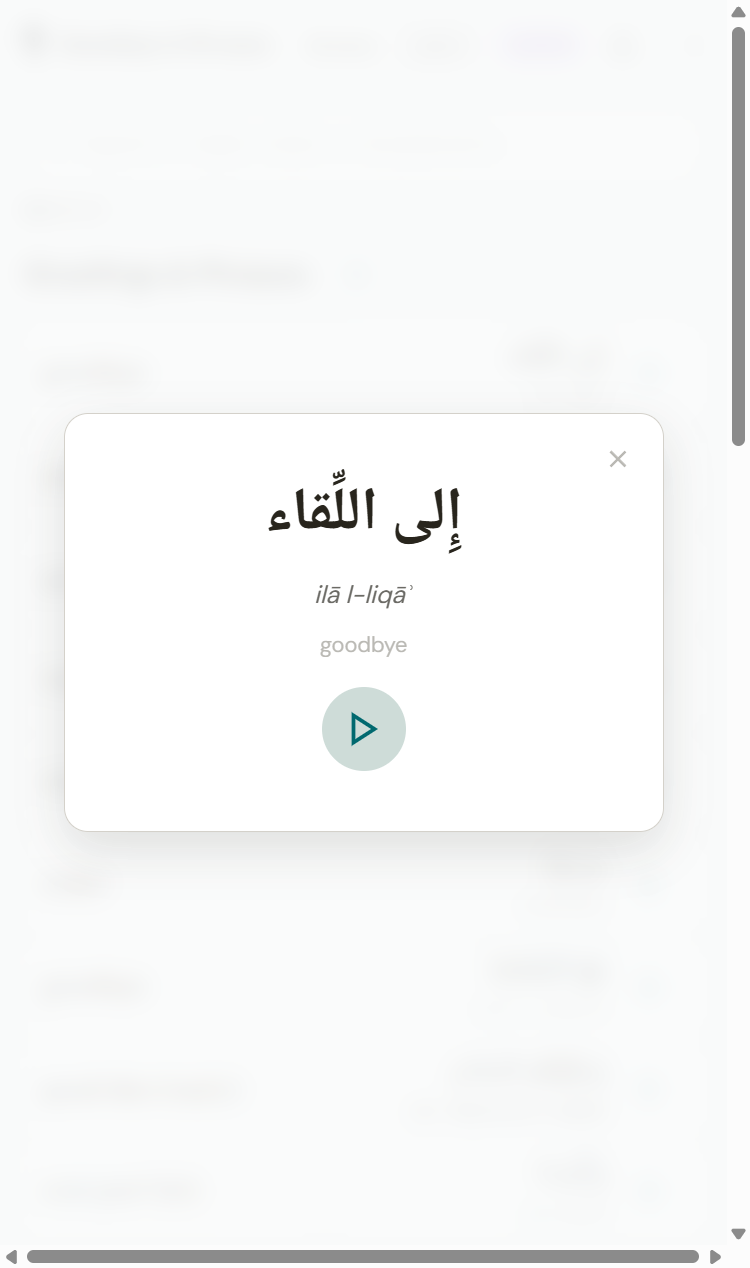
- Tap any word to see it zoomed — large Arabic text for reading practice
- Play All button on every verb section — listen to all conjugations sequentially with pause/resume
- Display toggles — hide or show transliteration, translation, and vowel marks to adjust difficulty
For the Admin
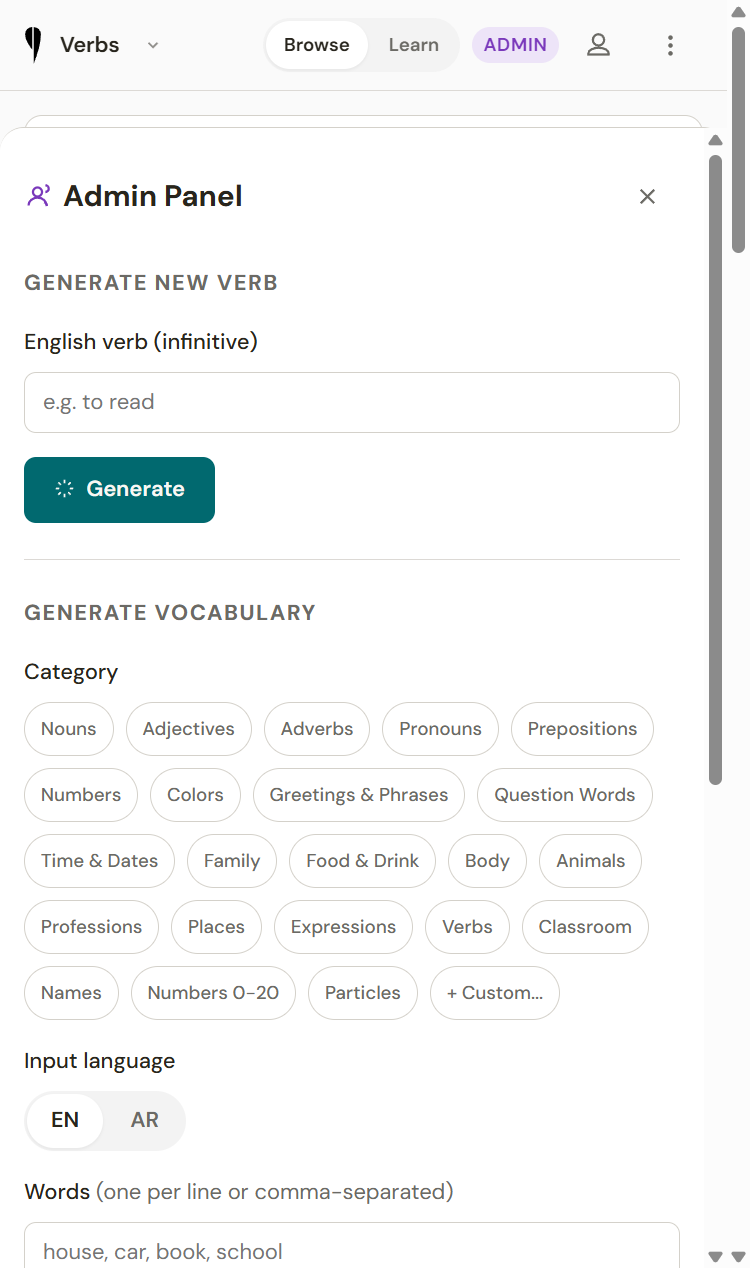
- Type an English verb — Perplexity AI generates the full Arabic conjugation table — Google Cloud TTS creates audio for every form — everything saves automatically
- Add vocabulary in batches — type a comma-separated list, pick a category, choose input language — AI translates and generates audio
- One-click conjugate button on verb-like vocabulary items
- Control what learners can see (past tense, plural forms) to align with class progress
THE TECH STACK
No framework. No build step. No complexity where it wasn't needed.
- Backend: Node.js + Express + SQLite
- Frontend: Vanilla HTML, CSS, and JavaScript — zero framework dependencies
- AI: Perplexity Sonar Pro for Arabic verb/vocabulary generation
- Audio: Google Cloud Text-to-Speech (ar-XA WaveNet voice, slowed to 0.85x for learners)
- Security: Helmet, Content Security Policy, HTTPS via Let's Encrypt, rate limiting
- Deployment: Ubuntu VPS, nginx, pm2 — runs on a 5€/month server
WHAT I LEARNED (AGAIN)
This project reinforced something I wrote about in my previous post on Vibe Coding: the discipline matters more than the tools.
1. START WITH THE USER'S PAIN, NOT THE TECHNOLOGY
I didn't start with "let me build a Node.js app." I started with "the audio on Quizlet is terrible and I can't control what vocabulary my classmates see." Every technical decision flowed from actual learning needs.
2. MOBILE-FIRST ISN'T OPTIONAL FOR LEARNING APPS
People learn on their phones. On the bus. Between classes. Every button is 44px minimum. Every interaction works with a thumb. This wasn't an afterthought — it was the first constraint.
3. AI-GENERATED CONTENT NEEDS EXPERT REVIEW
Perplexity generates Arabic conjugations well, but not perfectly. We had to fix broken vowel marks, correct wrong translations, and separate masculine/feminine forms. The AI gets you 90% there. The last 10% requires human knowledge.
4. AUDIO QUALITY IS A REAL DIFFERENTIATOR
Google Cloud's WaveNet Arabic voice at 0.85x speed sounds genuinely good. This was the feature that got the most positive reactions — and it cost less than $0.10 total for 685 audio files.
5. SECURITY ISN'T HARD, IT'S JUST UNFASHIONABLE
Helmet, CSP, HSTS, session regeneration, rate limiting — adding professional-grade security took about 30 minutes. There's no excuse for shipping without it.
THE NUMBERS
| Metric | Value |
|---|---|
| Development time | ~1 weekend (with iterations over the following week) |
| Vocabulary items | 421 |
| Verb conjugations | 185 |
| Audio files | 685 |
| Total audio generation cost | < $0.10 |
| Server cost | ~5€/month |
| npm vulnerabilities | 0 |
| Frameworks used | 0 |
TRY IT
The app is live at -> arabic.cerridan.com It's built for our class, but the approach works for any language learning scenario where existing tools fall short.
If you're learning a language and frustrated with the available tools — consider building your own. With AI-assisted development, the gap between "I wish this existed" and "I built this" has never been smaller.
Christian Scherling is a designer and developer at cerridan | design e.U., currently learning Arabic and occasionally building tools to make that process less painful.